 EpicMaps
Guides
Importing data into EpicMaps
Every successful import creates a new vector layer — never silently merges into the active layer.
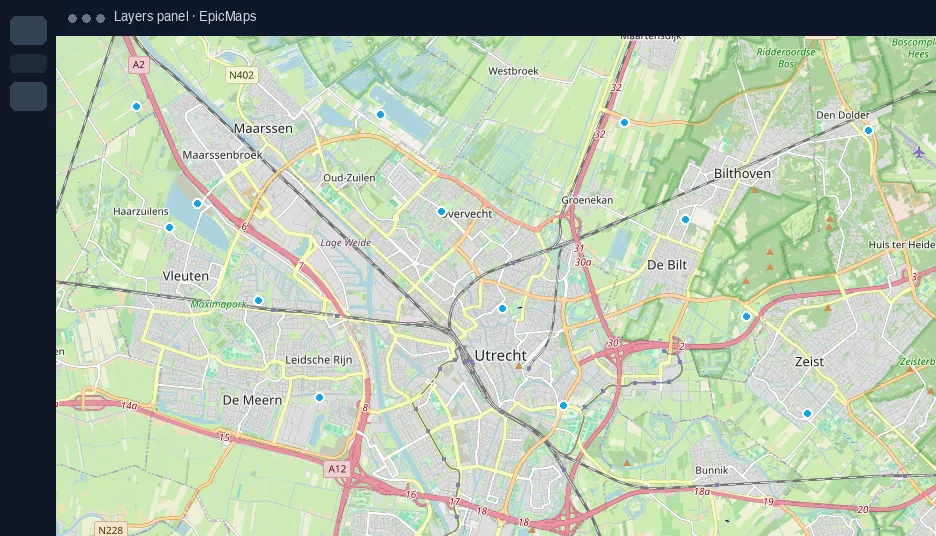
GeoJSON upload
Accepts FeatureCollection, Feature, or bare Geometry. Layer name comes from the file name. The map flies to the imported bounds when possible.
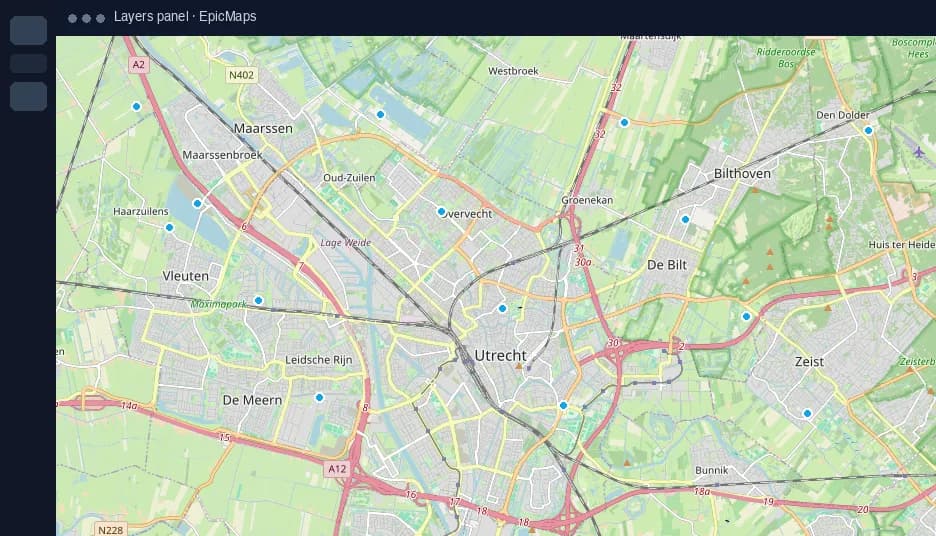
CSV upload
Provide latitude/longitude (or lat/lon/lng aliases) or a WKT/geometry column. Invalid rows are skipped; you’ll get an error if nothing valid remains.
Connections
Paste an https GeoJSON URL. The host must allow browser CORS. Optional layer name overrides the filename guess.
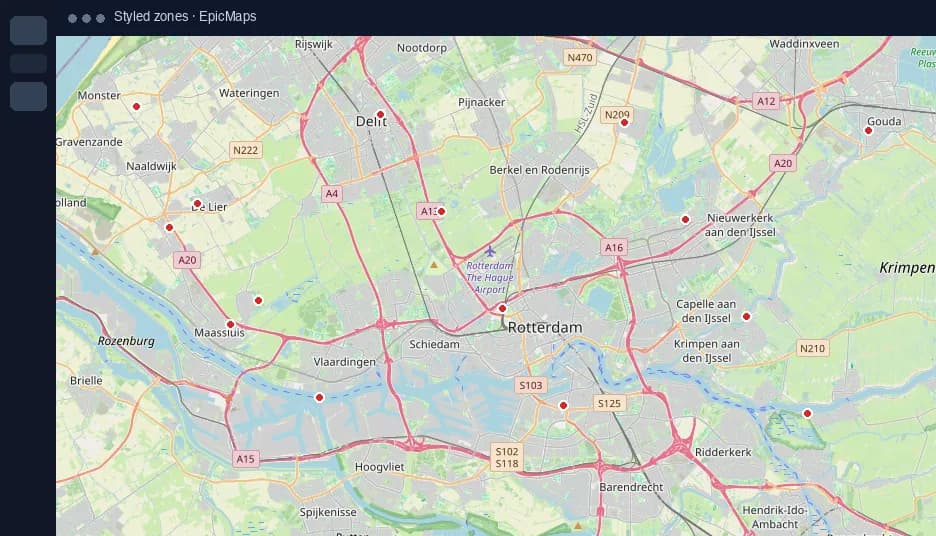
Data hub samples
Bundled capitals, outlines, routes, and world cities — useful for demos and onboarding without hunting for files.
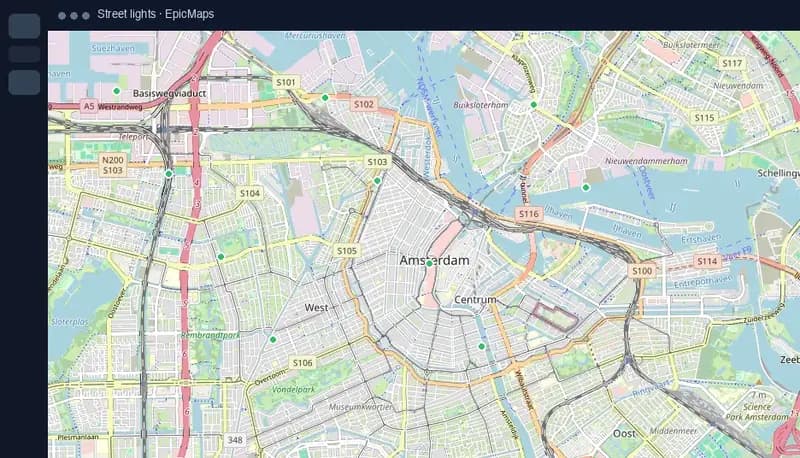
Empty datasets
Create an empty vector layer when you want to draw from scratch without importing first.