 EpicMaps
Product · Widgets
Panels and controls around the map
EpicMaps surrounds the canvas with focused widgets: layers on the left, properties on the right, drawing tools below, and map settings on the map itself.
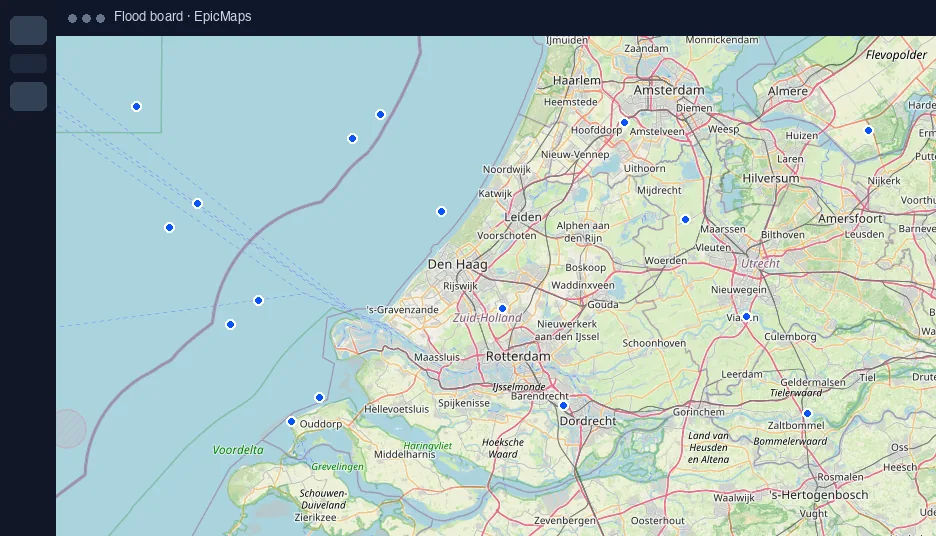
Layers panel
Rename, show/hide, lock, zoom to extents, and open Add data. Feature counts keep dense projects scannable.
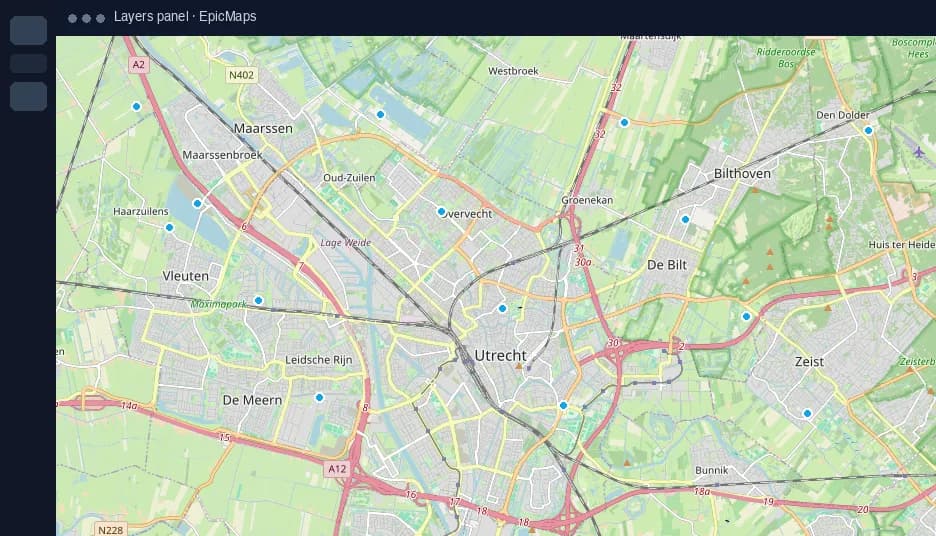
Properties panel
Inspect the active layer or selected feature. Style lives on features so what you see is what collaborators edit.
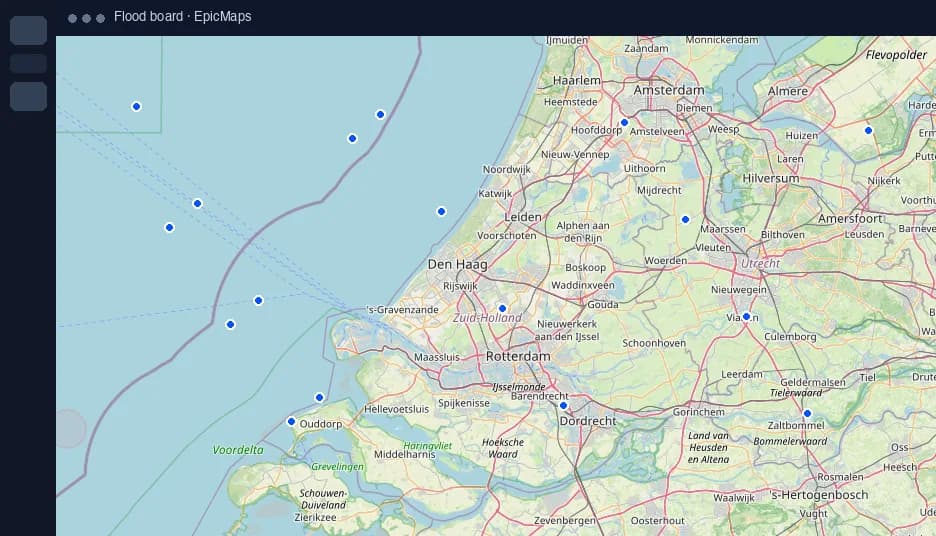
Drawing & comment tools
A floating toolbar covers select, draw modes, elements, bookmarks, comments, and undo/redo — keyboard shortcuts included.
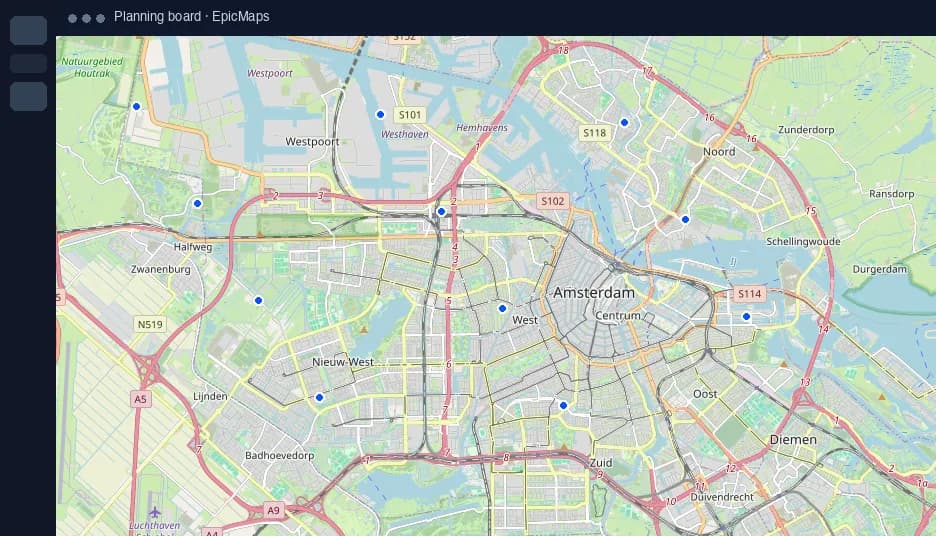
Map settings
Basemap, projection, and 3D terrain open from a control on the map — not buried in a separate admin screen.