 EpicMaps
Guides
Styling layers and the basemap
Make maps legible for reviews: style the features that matter, then pick a basemap that doesn’t fight them.
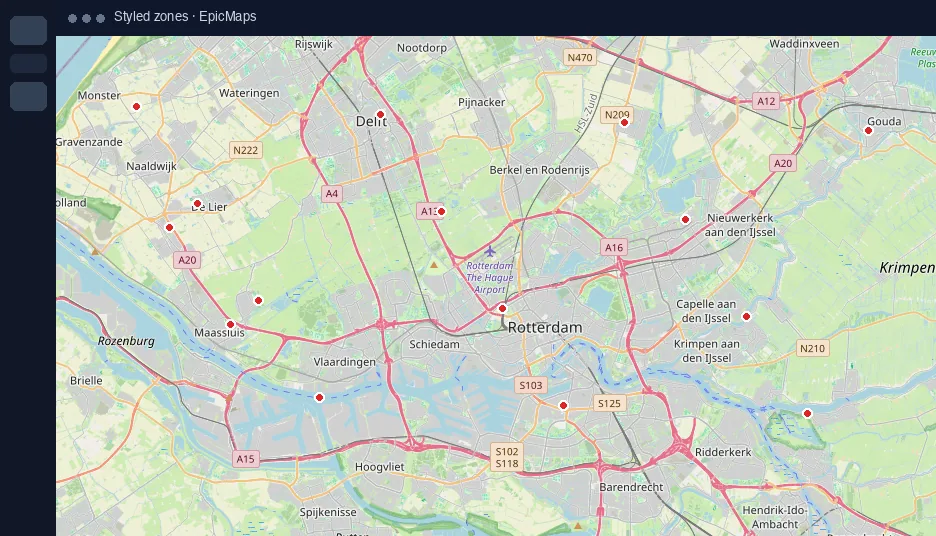
Select, then style
Click a feature (or keep the layer selected for defaults on new draws). Adjust fill, stroke, opacity, and dash from the properties side of the editor.
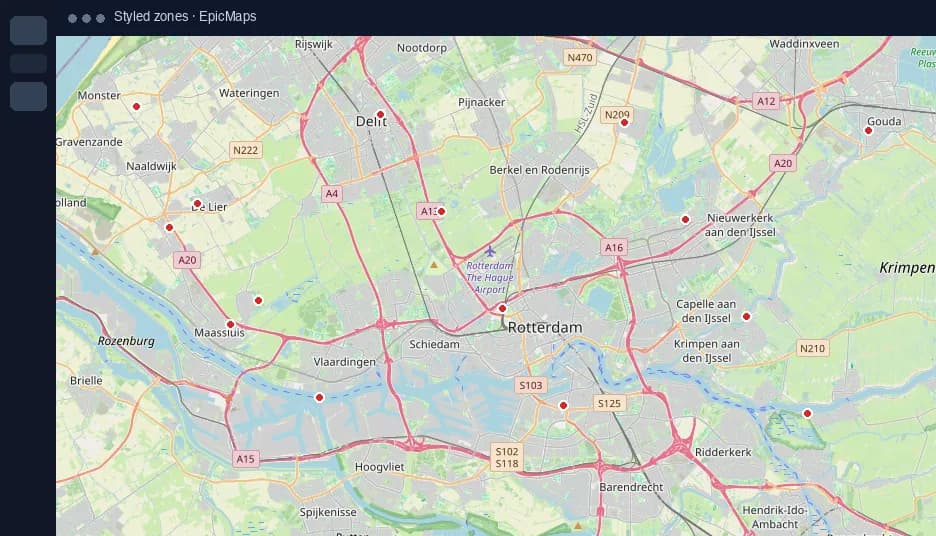
Basemap contrast
Light canvases suit dark overlays; dark basemaps suit bright operational symbology. Satellite helps when orthophoto context matters more than labels.
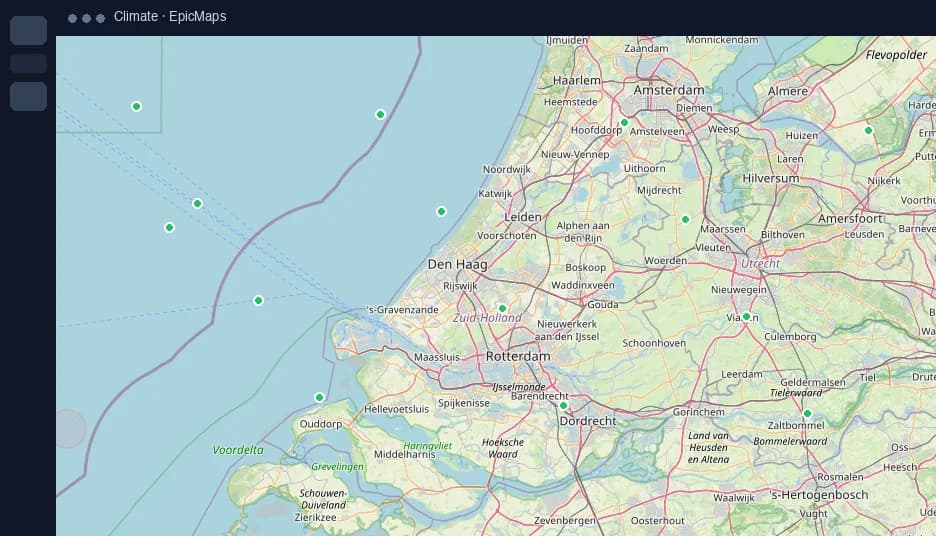
3D and globe
Enable 3D terrain when elevation helps the story. Use globe projection for continental scale; switch back to flat Mercator for neighborhood editing.
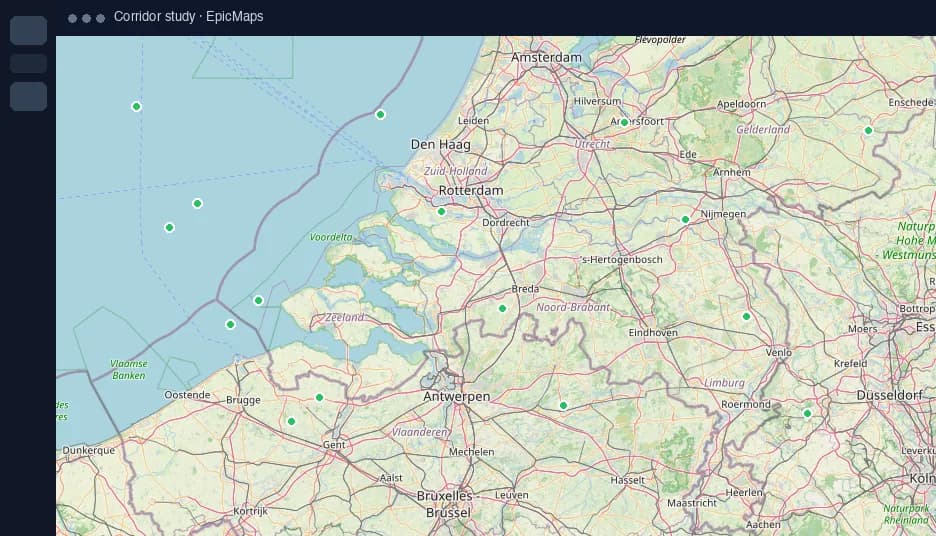
Elements vs features
Use geometry for data; use text/note/image elements for narrative. Mixing both keeps analysis layers clean while still briefing non-GIS readers.