 EpicMaps
Guides
Getting started with EpicMaps
From signup to a shared map in one sitting — no desktop install required.
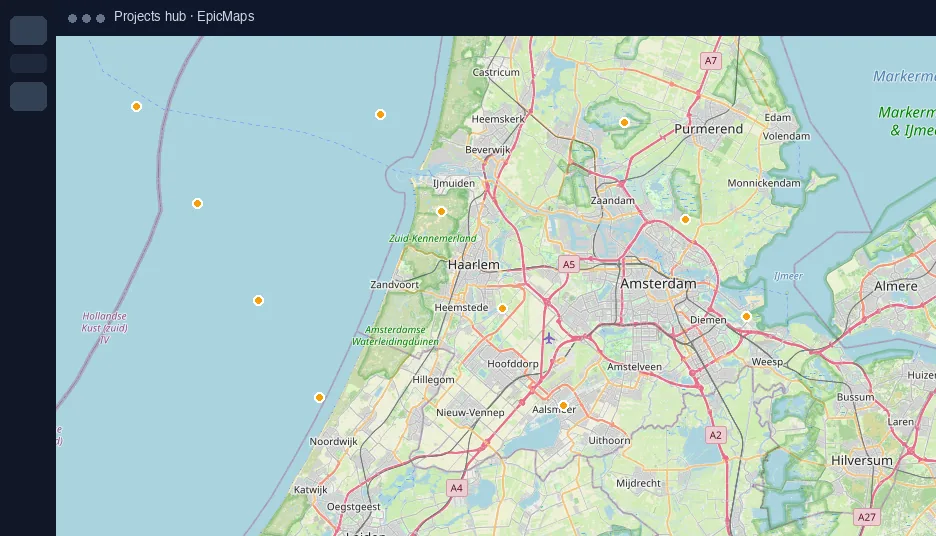
1. Create your workspace
Sign up with email and password. EpicMaps creates a Personal Workspace and seeds a starter project with vector, elements, and comments layers.
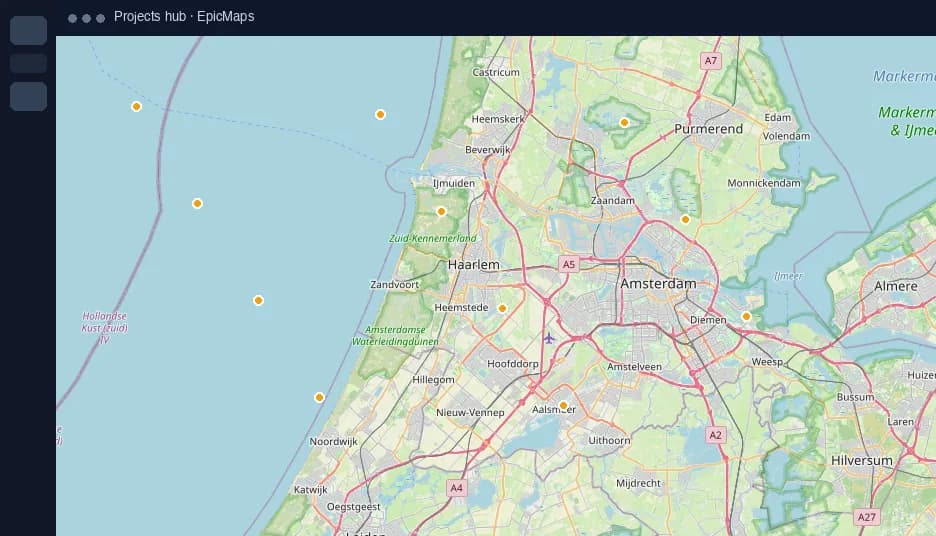
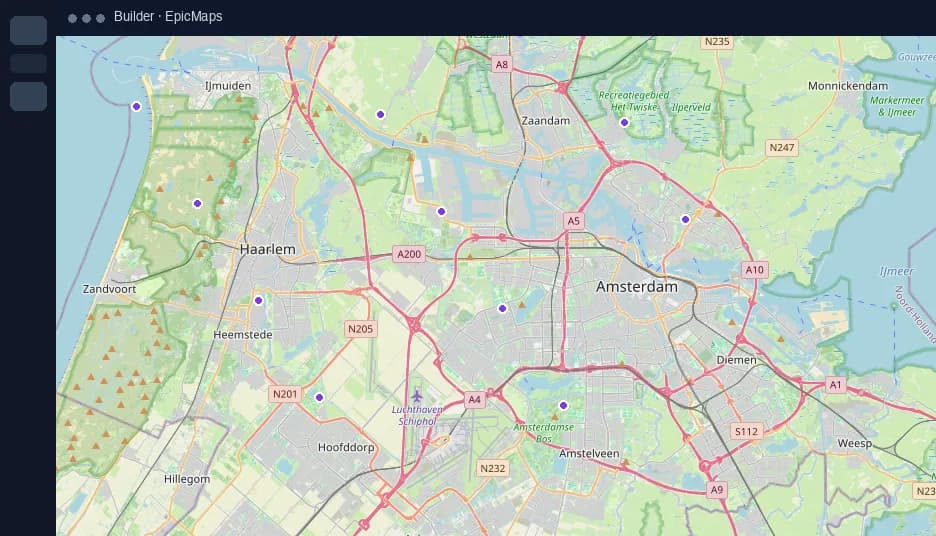
2. Open the editor
From Projects, open your map. Use the left panel for layers, the right panel for properties, and the bottom toolbar for draw tools.
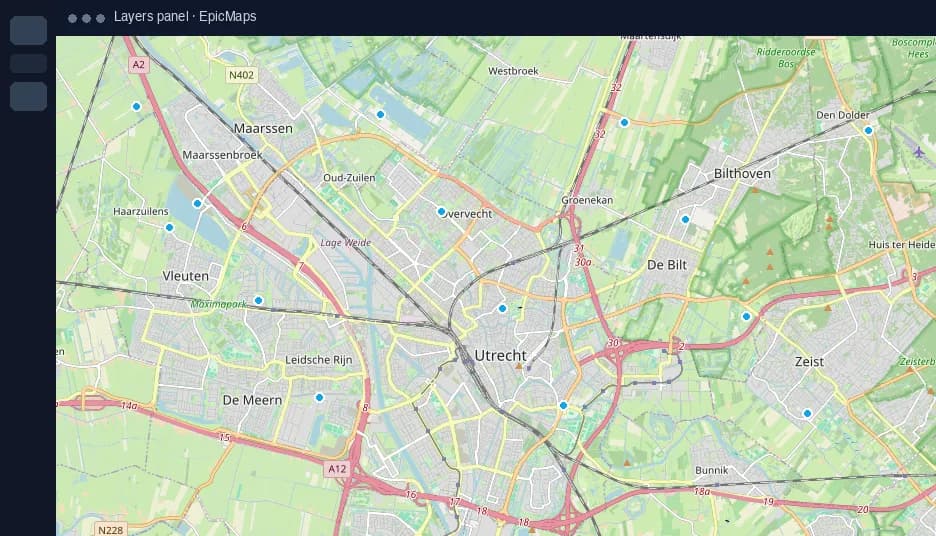
3. Draw something real
Select polygon or line, click the map, and finish the shape. Rename the layer, adjust fill/stroke, and undo if needed.
4. Add outside data
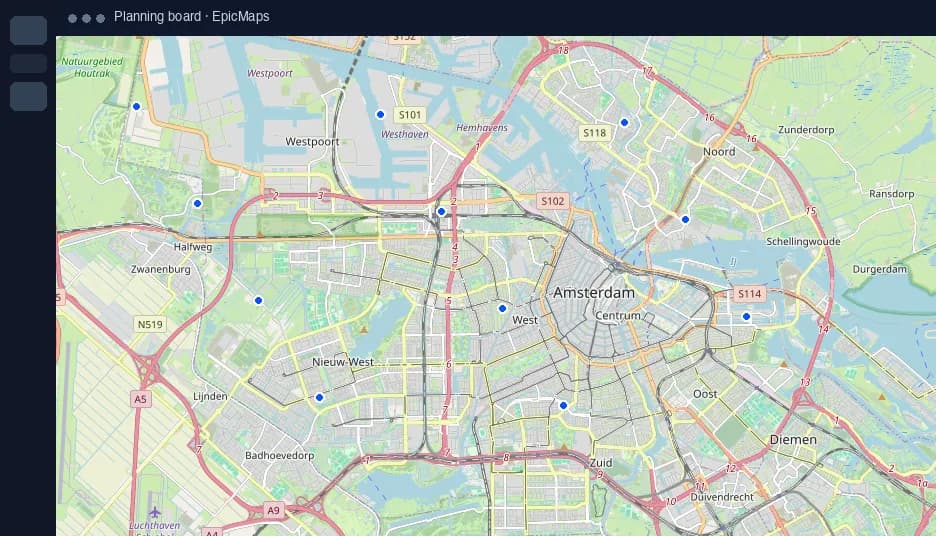
Open Add data to import GeoJSON/CSV or pull a sample from the Data hub. Each import creates a new layer.
5. Set the stage
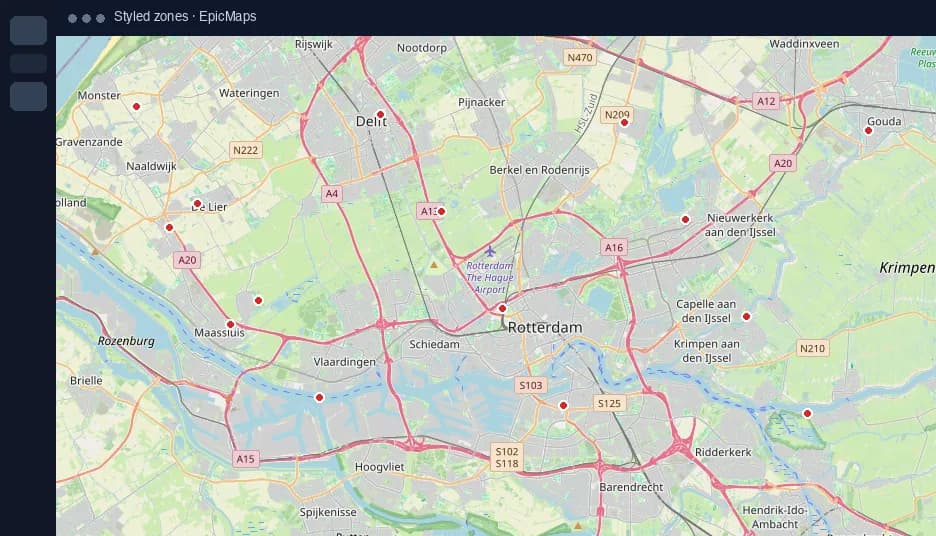
Open Map settings to pick a basemap. Optionally enable globe or 3D terrain before you invite a teammate.