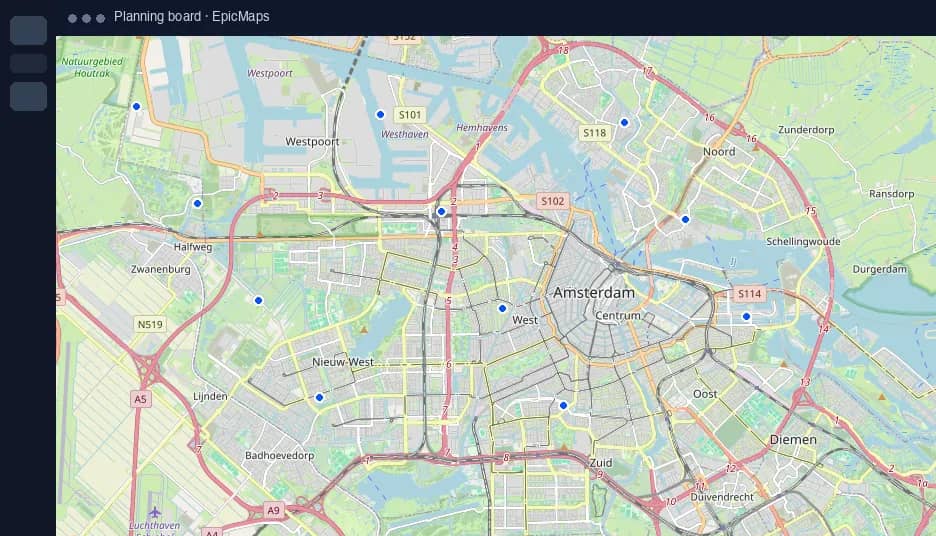
Draw & edit
Points, lines, polygons, circles, rectangles, freehand marker, and highlighter.
 EpicMaps
Draw, style, and share spatial projects in the browser. Edits land in Postgres with PostGIS.
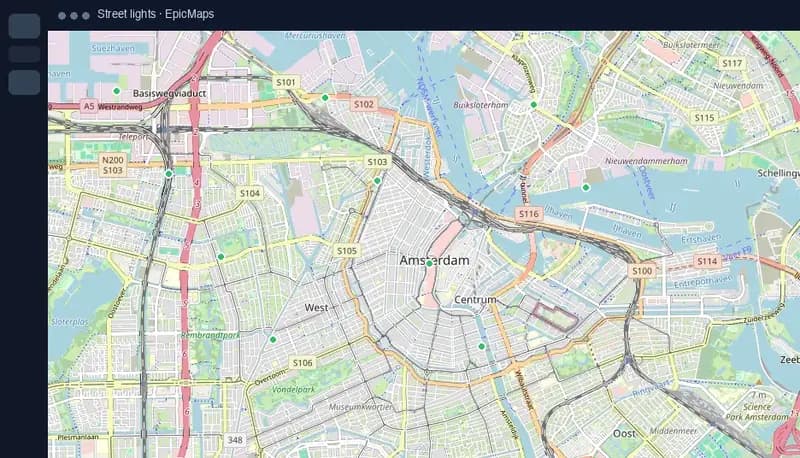
Site selection, field ops, planning. One shared map instead of emailed shapefiles.
Live asset layers for routes, zones, and coverage, shared with the crew.
Sketch alternatives, compare parcels, and leave decisions on one board.
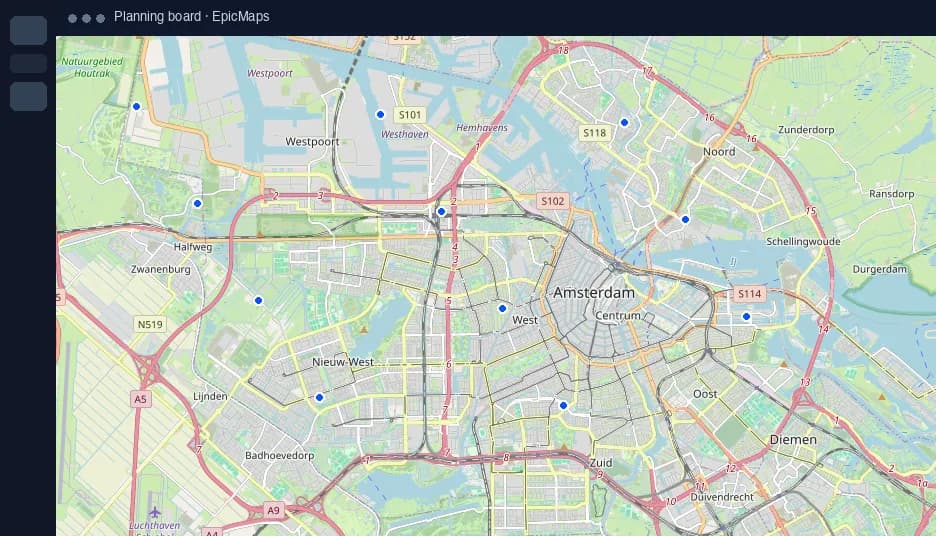
Portfolio points and status fields stay on the map, not in a side spreadsheet.
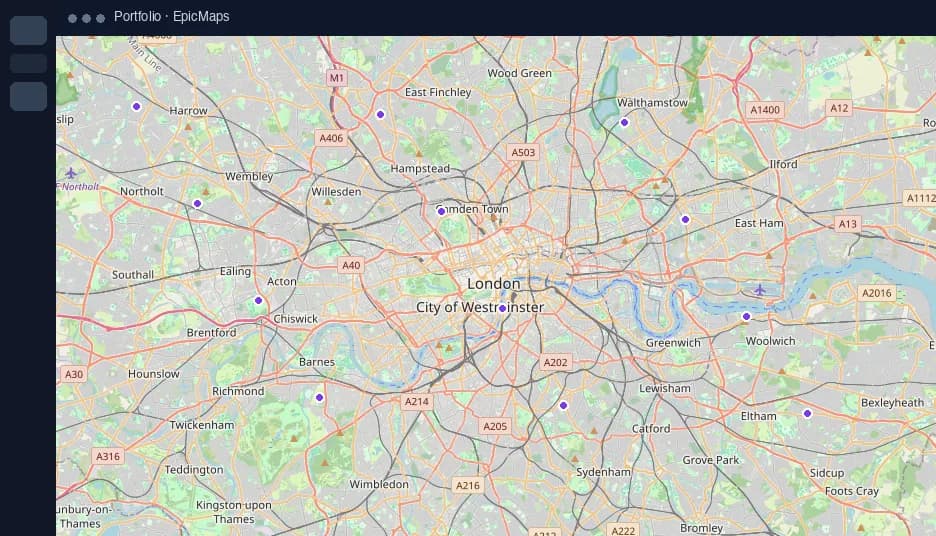
Import exclusions, drop candidates, and keep the shortlist visible to land and engineering.
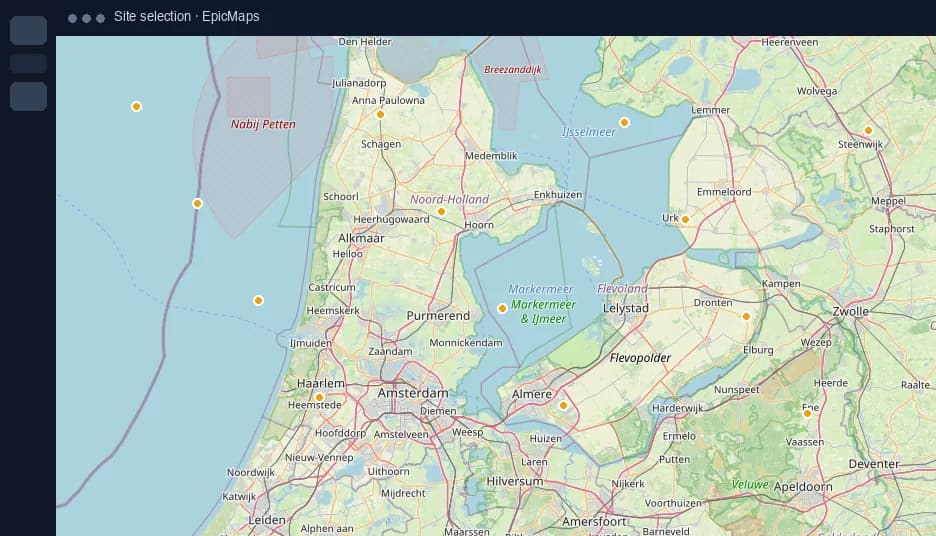
Points, lines, polygons, circles, rectangles, freehand marker, and highlighter.
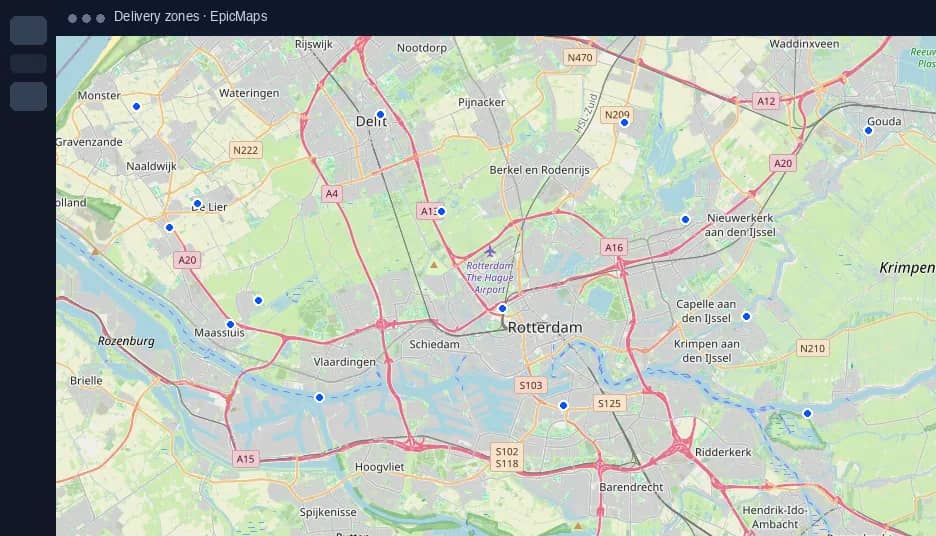
Fill, stroke, opacity, and dash patterns per feature.
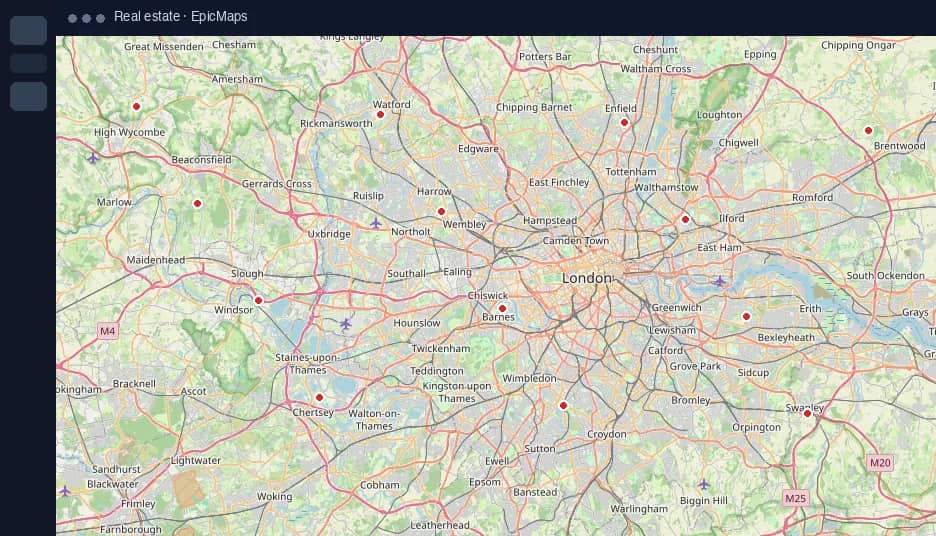
Create projects, import data, open templates, and filter recents in your workspace.
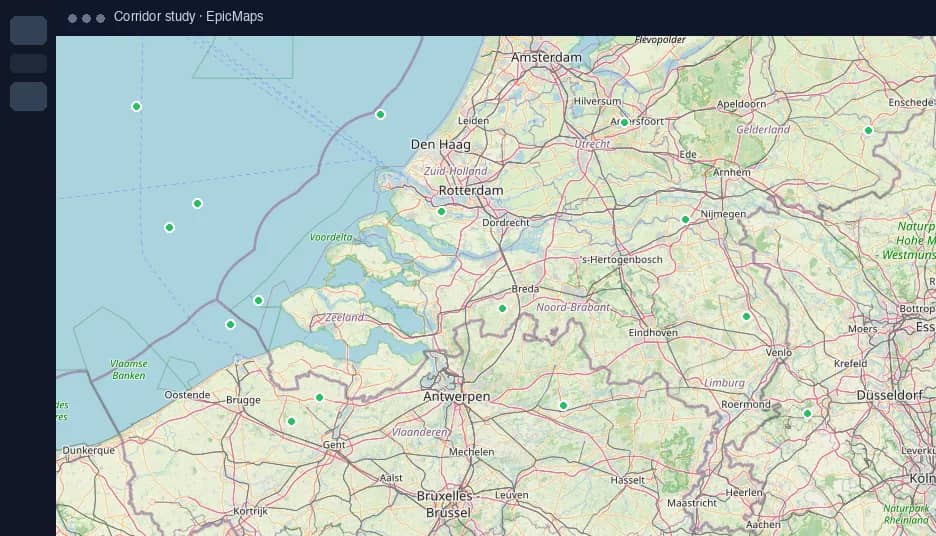
Features and geometry live in Postgres with PostGIS, not only in the browser tab.
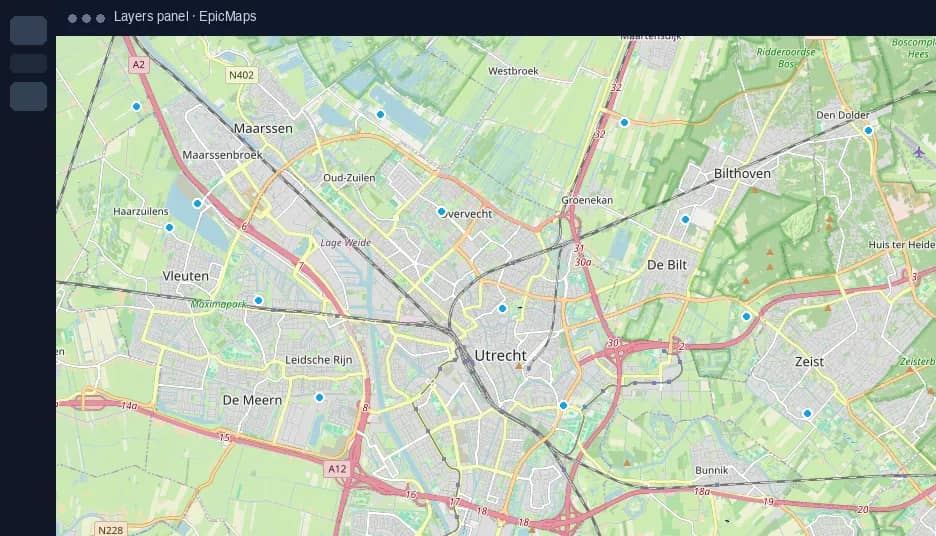
Upload GeoJSON or CSV, or add a remote GeoJSON URL as a new layer.
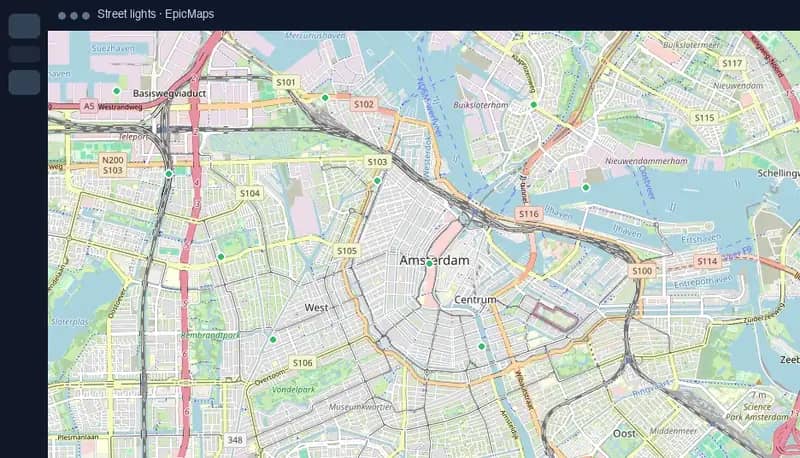
A personal workspace on signup, shared projects, and room to grow into roles.
Same editor. Different defaults for how your team talks about places.
EpicMaps for buildings & real estate teams.
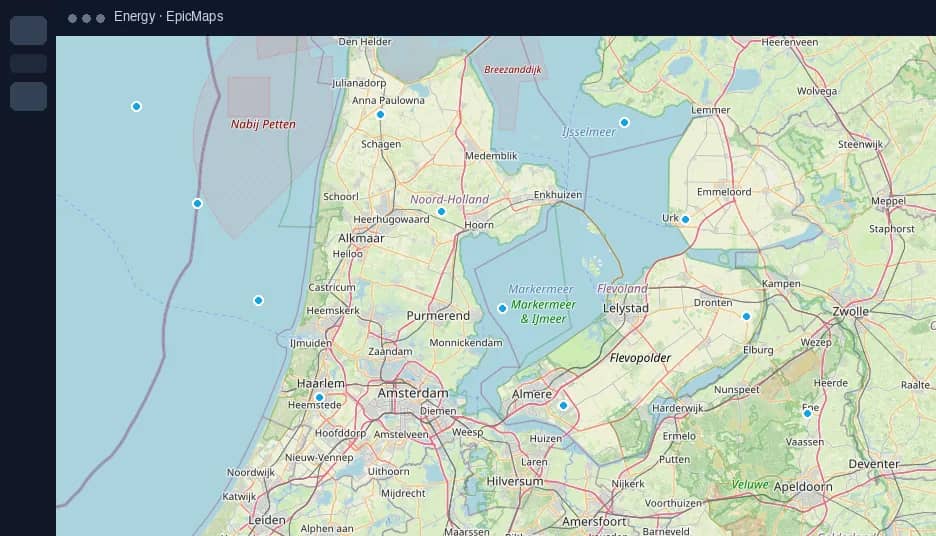
EpicMaps for energy & infrastructure teams.
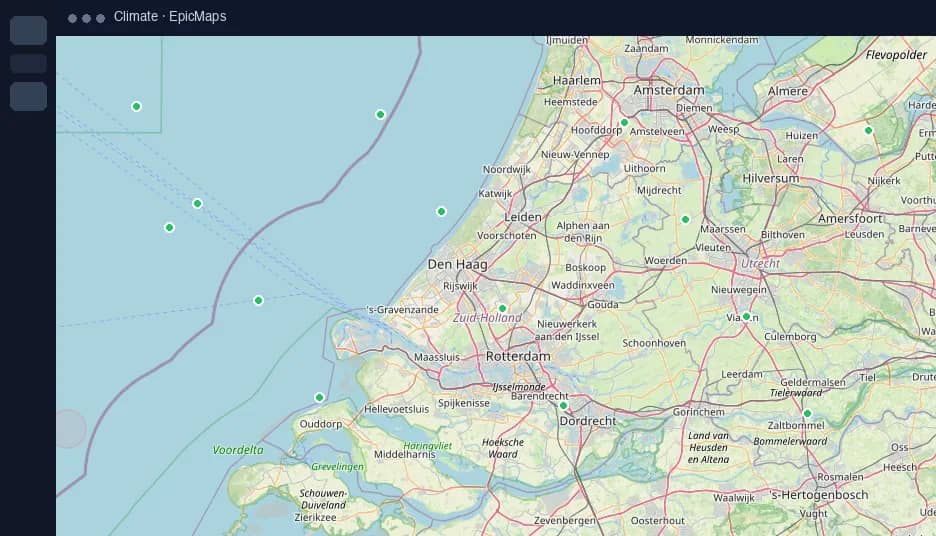
EpicMaps for climate risk & sustainability teams.
EpicMaps for public service & administration teams.
EpicMaps for retail & marketing teams.
Common layouts you can open and restyle layer by layer.
No. EpicMaps is browser GIS for drawing, styling, and sharing maps with your team.
Project layers and geometries are stored in Postgres with PostGIS in your deployment.
Free includes 3 projects and 3 datasets. Pro adds unlimited projects and datasets. Team is custom pricing.