 EpicMaps
Google My Maps alternative for shared spatial work
Google My Maps is fine for a personal pin list. EpicMaps is for teams that need durable layers, real geometry, and a workspace colleagues can edit—without treating My Maps like a full GIS.
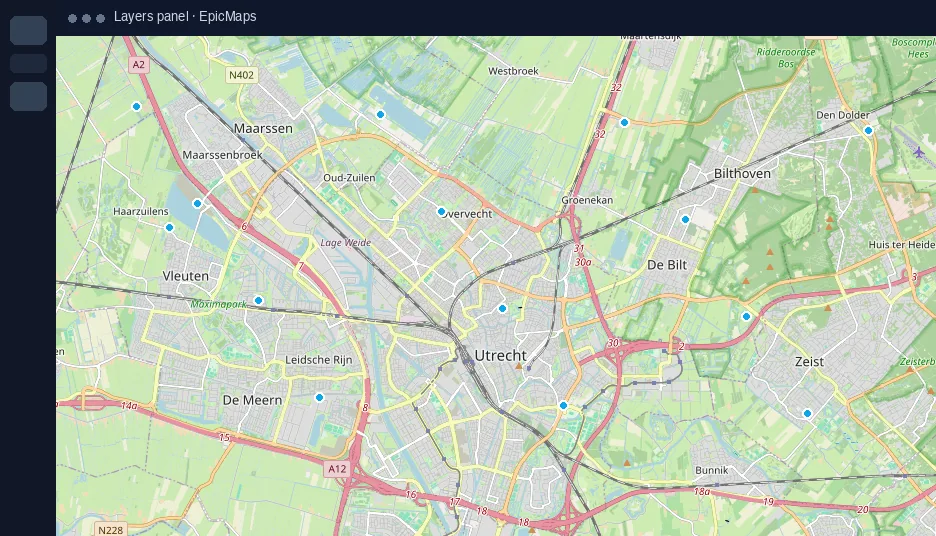
When My Maps stops being enough
My Maps shines for travel pins and simple place lists. Friction shows up when you need versioned layers, attributes on every site, polygon sketches that survive review, or a shared project that is not tied to one Google account’s map list.
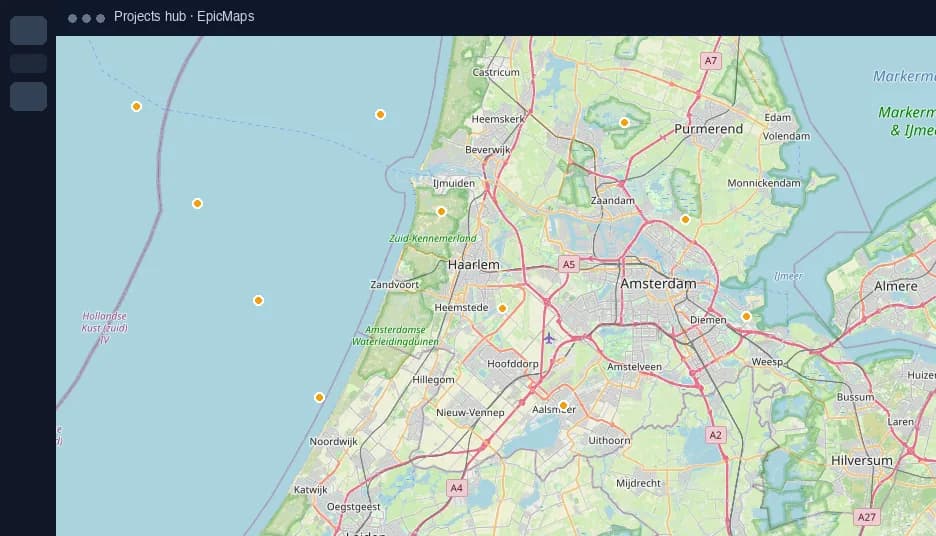
My Maps vs EpicMaps
- My Maps: lightweight markers and drawings on Google’s map. EpicMaps: named vector layers with styles, visibility, and lock.
- My Maps: map lives in Drive-style sharing. EpicMaps: features persist in Postgres/PostGIS so the same project reopens for the whole team.
- My Maps: limited attribute workflows. EpicMaps: properties on every feature, plus comments for review without polluting the data layer.
- My Maps: export and re-import to move on. EpicMaps: import GeoJSON or CSV (lat/lng or WKT) as the starting point for ongoing edits.
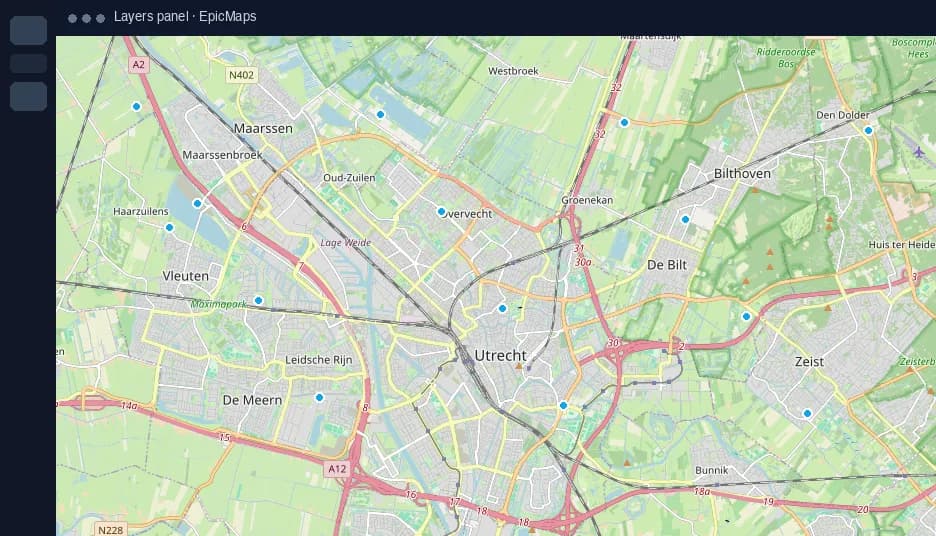
Team workspace, not a one-off map
Create a free personal workspace to prove the workflow, then invite collaborators when the shortlist or asset layer becomes shared work. Pro unlocks unlimited projects and remote GeoJSON connections for systems that already publish files over HTTPS.
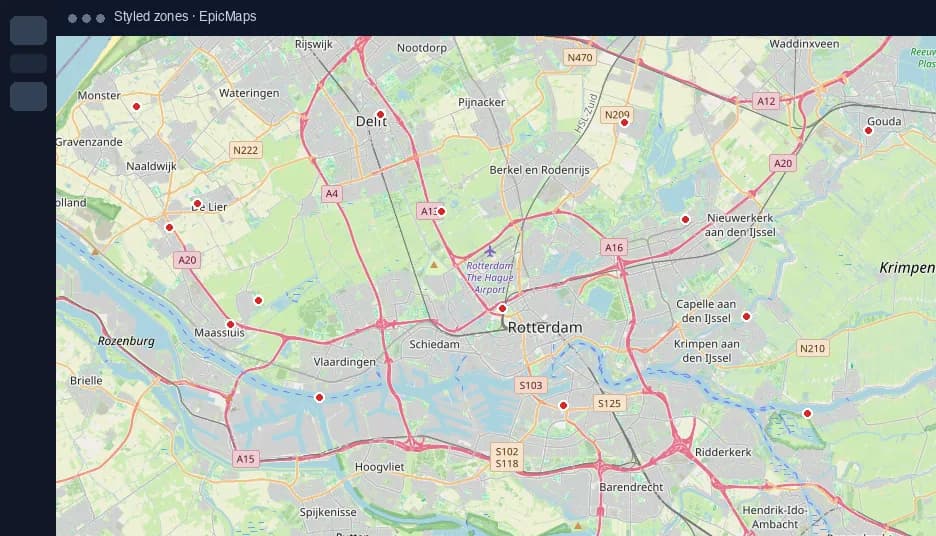
Move pins and files into EpicMaps
- Export places from My Maps as KML or CSV where available, or rebuild key sites from a spreadsheet with lat/lng columns.
- Import CSV or GeoJSON into a new layer, then restyle and add attributes your team already tracks offline.
- Keep drawing parcels, corridors, and buffers in the browser editor instead of emailing updated files around.
Stay on My Maps when…
Keep Google My Maps for personal trip boards and one-off share links that never need structured geometry. Switch to EpicMaps when the map becomes operational—portfolio sites, field assets, planning alternatives—or when you outgrow pin-only editing. This page is about My Maps custom maps, not Google Maps turn-by-turn navigation apps.