 EpicMaps
Documentation
EpicMaps docs
Start here for how the editor, data model, and local deployment fit together. Guides go deeper on day-to-day tasks.
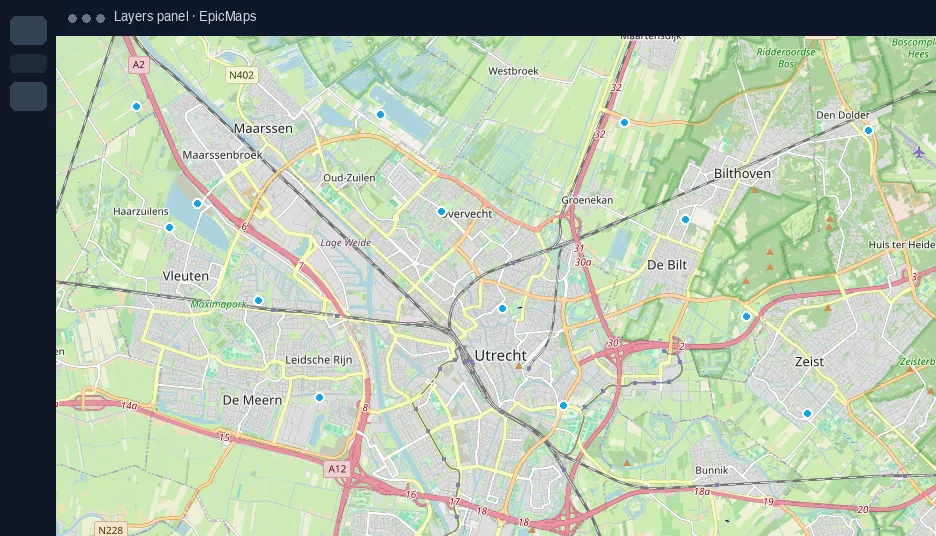
Editor basics
- Projects contain layers; vector layers hold GeoJSON features in PostGIS
- Elements and comments are internal layers for markup and discussion
- Map settings (basemap, globe, 3D) persist on the project map view
Data in & out
Use Add data to upload GeoJSON/CSV, connect a GeoJSON URL, or add a hub sample. Each source becomes a new layer. Workspace dataset library APIs exist for future reuse across projects.
Sync model
The client diffs changes and syncs only what moved: project camera/name, layer metadata, or feature collections. New layers are created on the server with stable UUIDs.
Local deployment
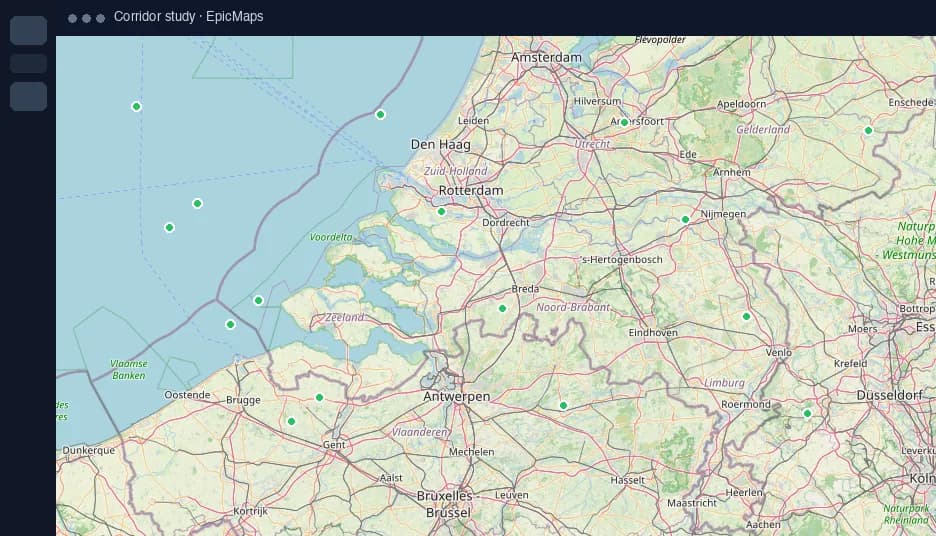
Run the monorepo with Docker Compose. Point epicmaps.io at the marketing host and app.epicmaps.io at the app host. See the repository README for env vars and health checks.